Command Search in CR 2
New in v2.3.0Search as you type to find anything: Photoshop menus, actions, brushes, presets, tools, workflow scripts, and your own Script Editor scripts, then run them or drop them onto a Configurator panel as a new button.
What is Command Search?
Instead of hunting through nested menus, you open one palette and type a few letters of what you need.
Command Search shows matches from Photoshop – menus, actions, brushes, tool presets, and tools – alongside Configurator Reloaded extras such as workflow scripts, scripts from the Script Editor, and shortcuts for tasks like adding adjustment layers or changing blend modes. The list narrows as you type, so you reach the right command with minimal effort.
How to open Command Search
- Recommended: Assign a global Photoshop shortcut using the helper script: Command Search keyboard shortcut.
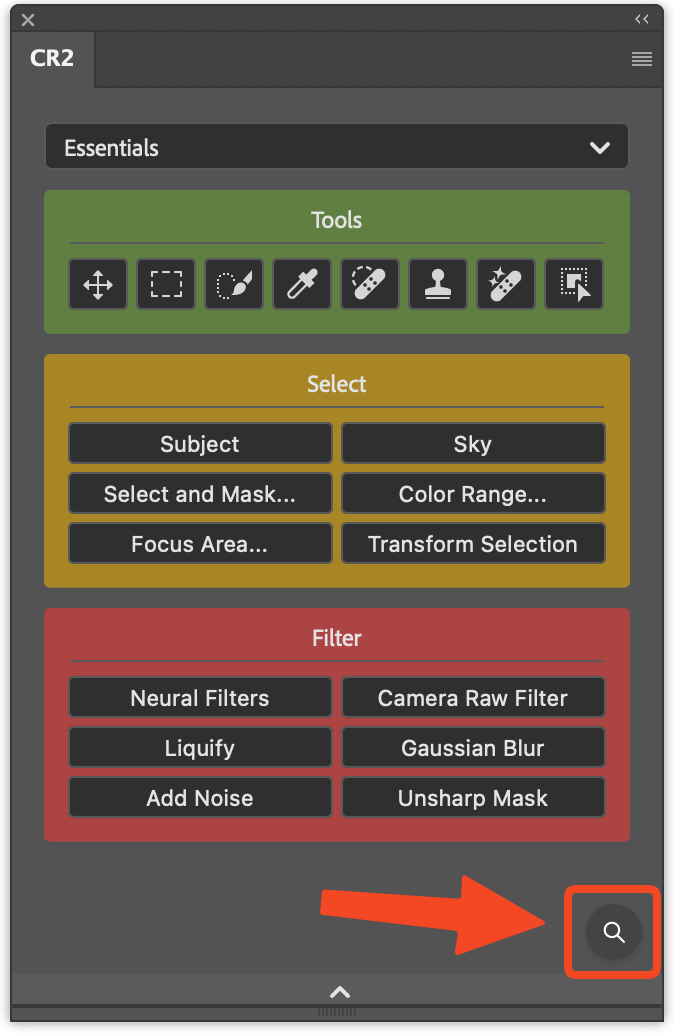
- In any Configurator panel, click the small search icon on the bottom right of the panel (magnifying glass).
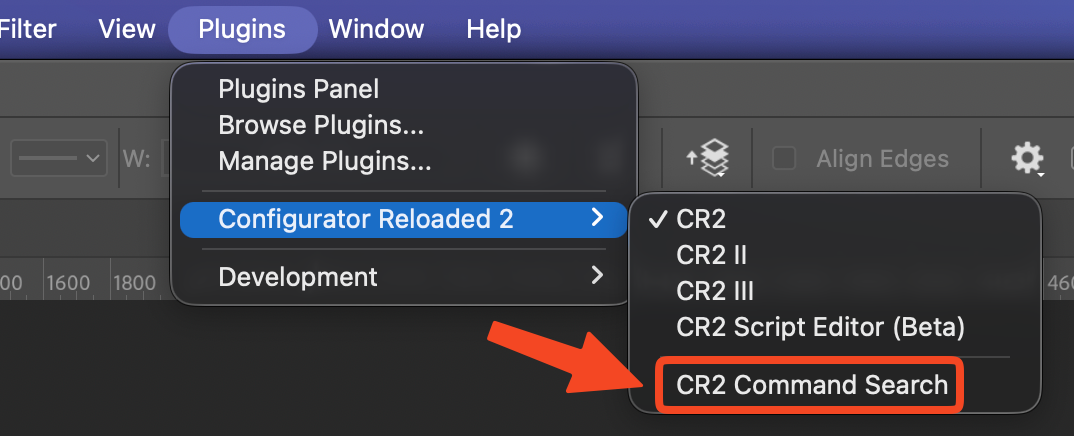
From Photoshop's menu bar, choose Plugins → Configurator Reloaded 2 → CR2 Command Search.
You can hide the search icon if you prefer a minimal footer. Open Configurator Reloaded Settings, expand Interface, and enable Hide Command Search button.
How to use the palette
- Type to narrow results. Use ↑ and ↓ to change the highlighted row.
- Press Enter to run the highlighted command.
- Press ⌘ Return (macOS) or Alt+Enter (Windows) to add the selection as a button to the target panel shown in the footer.
- Use the refresh control to rebuild indexes after menus, actions, or brushes change in Photoshop.
- Open settings to show or hide whole categories (menus, actions, brushes, and so on).
- Recently used commands appear when the search field is empty.
What you can search
Menu commands
Search the Photoshop menu bar and jump to a command, the same way you would hunt through nested menus, only faster.
Actions
Find actions by set and name and run them directly from the palette.
Brushes
Pick a brush from your installed brushes, including folder structure from the index.
Tool presets
Locate tool presets and apply them without opening the Preset picker first.
Tools
Switch tools from a searchable list instead of the toolbar.
Additional commands
Includes shortcuts for adjustment layers, blend modes, and other extra entries surfaced for quick access.
Workflow scripts
The same workflow scripts available in the SlideIn (frequency separation, luminosity masks, and more) are indexed here too.
Workflow Scripts pageMy Scripts
Scripts you maintain in the Script Editor appear in Command Search so you can run or add them like any other command.