Script Editor (Beta) & Critical Fixes
January 27, 2026
Configurator Reloaded 2.2.0
Version 2.2.0 is now available with the following changes:
Important: Photoshop Version Requirement
This version requires Photoshop 26.0 (Photoshop 2025) or higher. Please ensure you have updated to the latest version of Photoshop before installing this update.
New: Script Editor (Beta)
A powerful new feature has been added: the Script Editor (Beta). This allows you to create, edit, and execute ExtendScript and UXP scripts directly within the plugin interface. You can write and test your scripts on the fly, and once you're satisfied with the results, you can add them as buttons to your CR2 containers for quick access.
This feature opens up new possibilities for workflow automation and customization, giving you the tools to create scripts tailored to your specific needs without leaving the plugin.
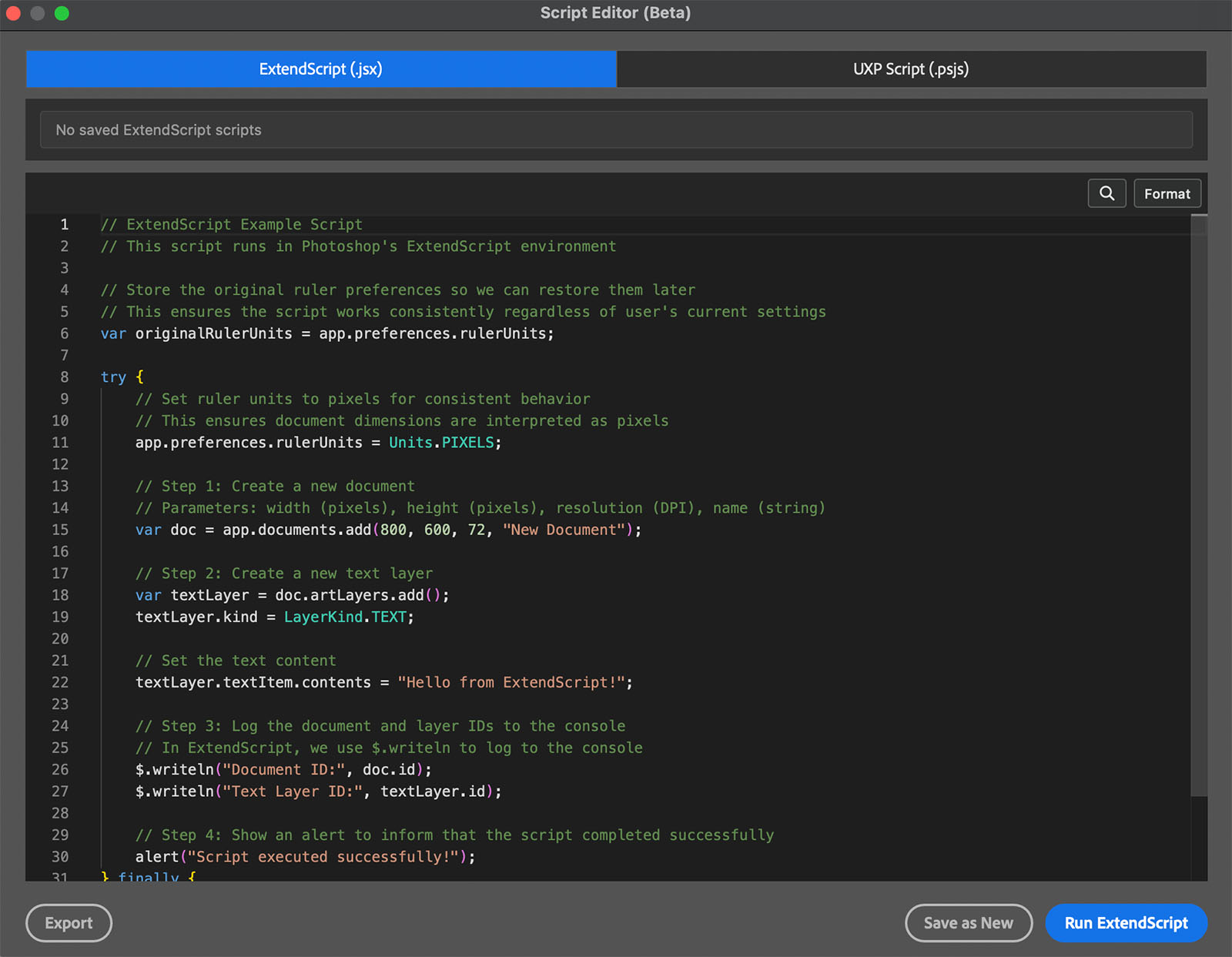
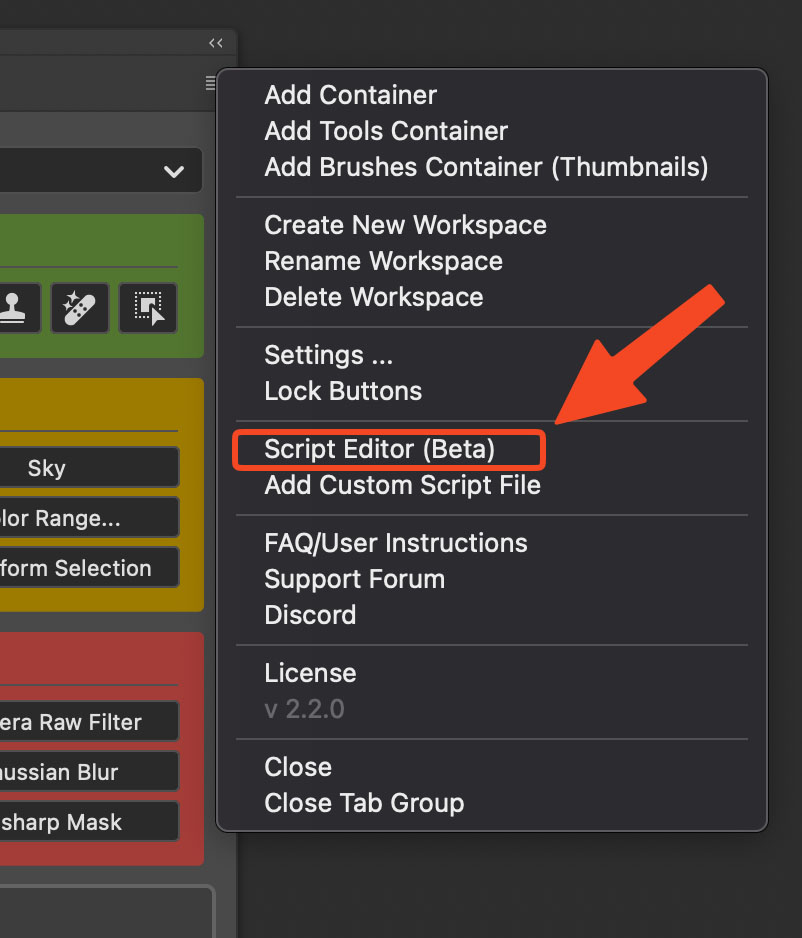
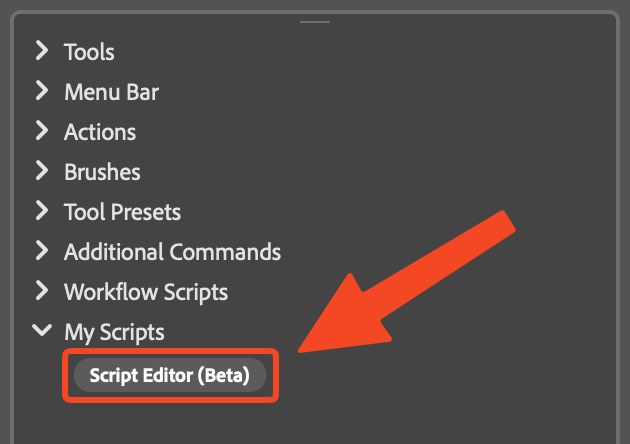
You can open the Script Editor in two ways:
1. From the plugin panel menu: Access the Script Editor directly from the main panel.
2. From the SlideIn under "My Scripts": Open the SlideIn and find the Script Editor option under the "My Scripts" section.
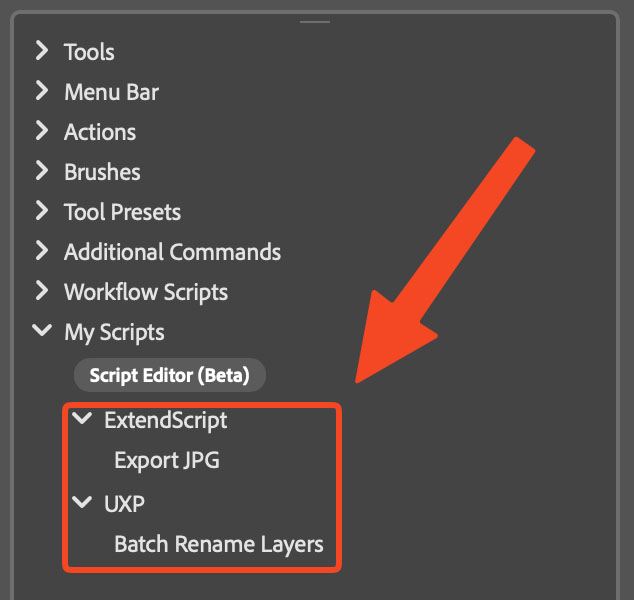
All your saved scripts are listed in the SlideIn under "My Scripts". You can easily add any saved script to your containers by simply dragging and dropping it from the SlideIn onto your desired container.
Script Editor Features
The Script Editor is built on Monaco Editor (the same editor that Visual Studio Code uses), providing a familiar and powerful coding experience. Here's what you can do:
Possible:
- Write single file scripts
- Basic console for debugging
- Script management: Save, load, delete, search presets
- Log output using
$.writeln()in ExtendScript andconsole.log()in UXP - Benefit from IntelliSense for code suggestions
- Use code completion and suggestions
Not possible:
- Multi-file scripts (single file only)
- Some keyboard shortcuts may not be available
- Links in code hints and documentation will not open
Improved: Context Menu Safety
To reduce the risk of accidental deletions, the 'Delete' option in the right-click context menu has been moved to the end of the list. This change helps prevent accidental clicks when you're trying to select 'Rename' or other options, making the interface safer to use.
Fixed: UXP Script Execution
Fixed an issue where UXP Scripts (*.psjs) were not executing correctly. Scripts should now run as expected when triggered from your custom buttons.
Fixed: Brush Size Controls
Resolved issues with brush size controls:
- Increase/Decrease Brush size now works correctly.
- Increase/Decrease Brush hardness now works correctly.
These fixes ensure that brush adjustments function properly when triggered from your custom panel buttons.